Make your AI-built site
look like a site you love
Open any website. One click, and its colours, fonts, spacing and buttons become a file your AI coding tool follows.
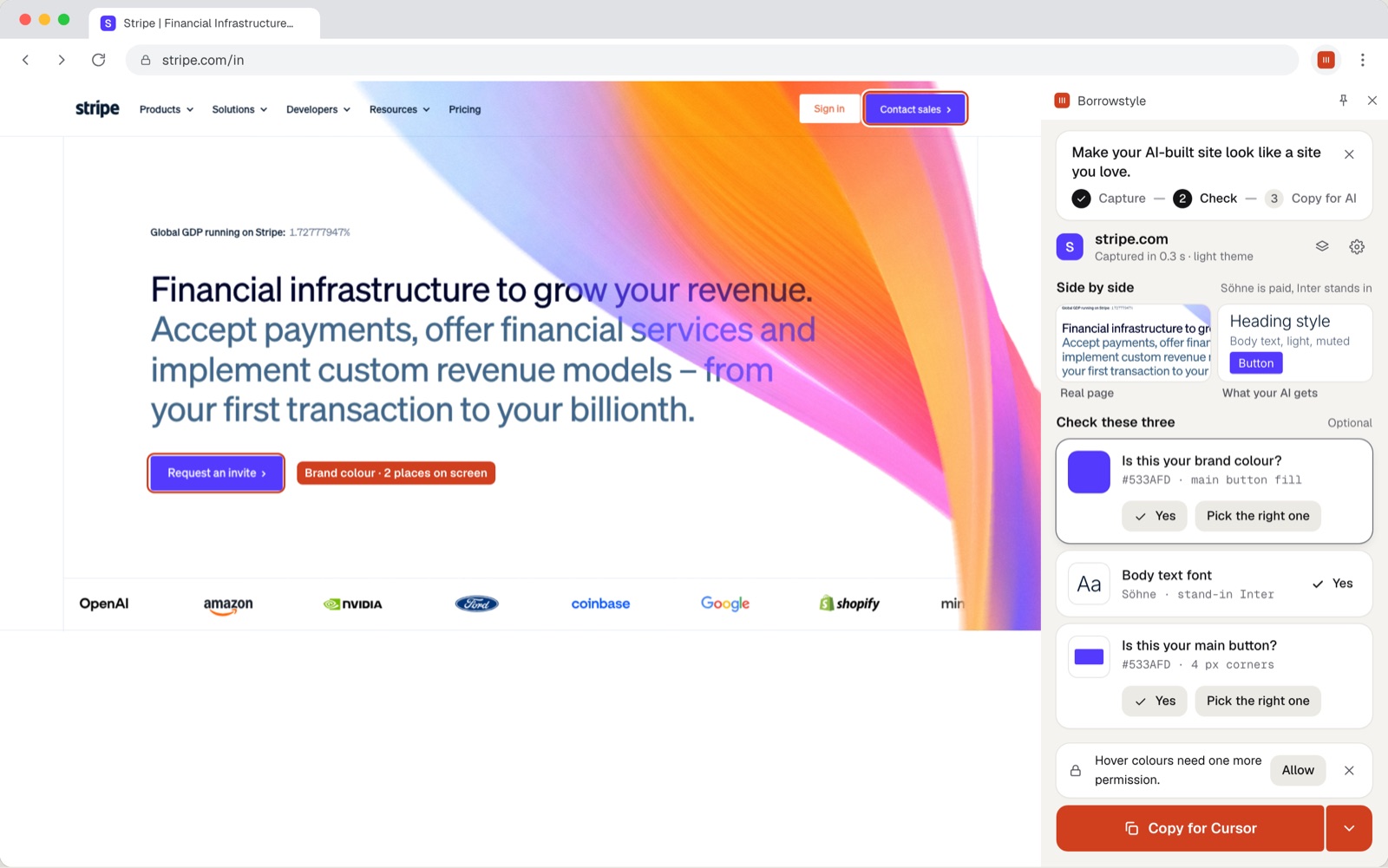
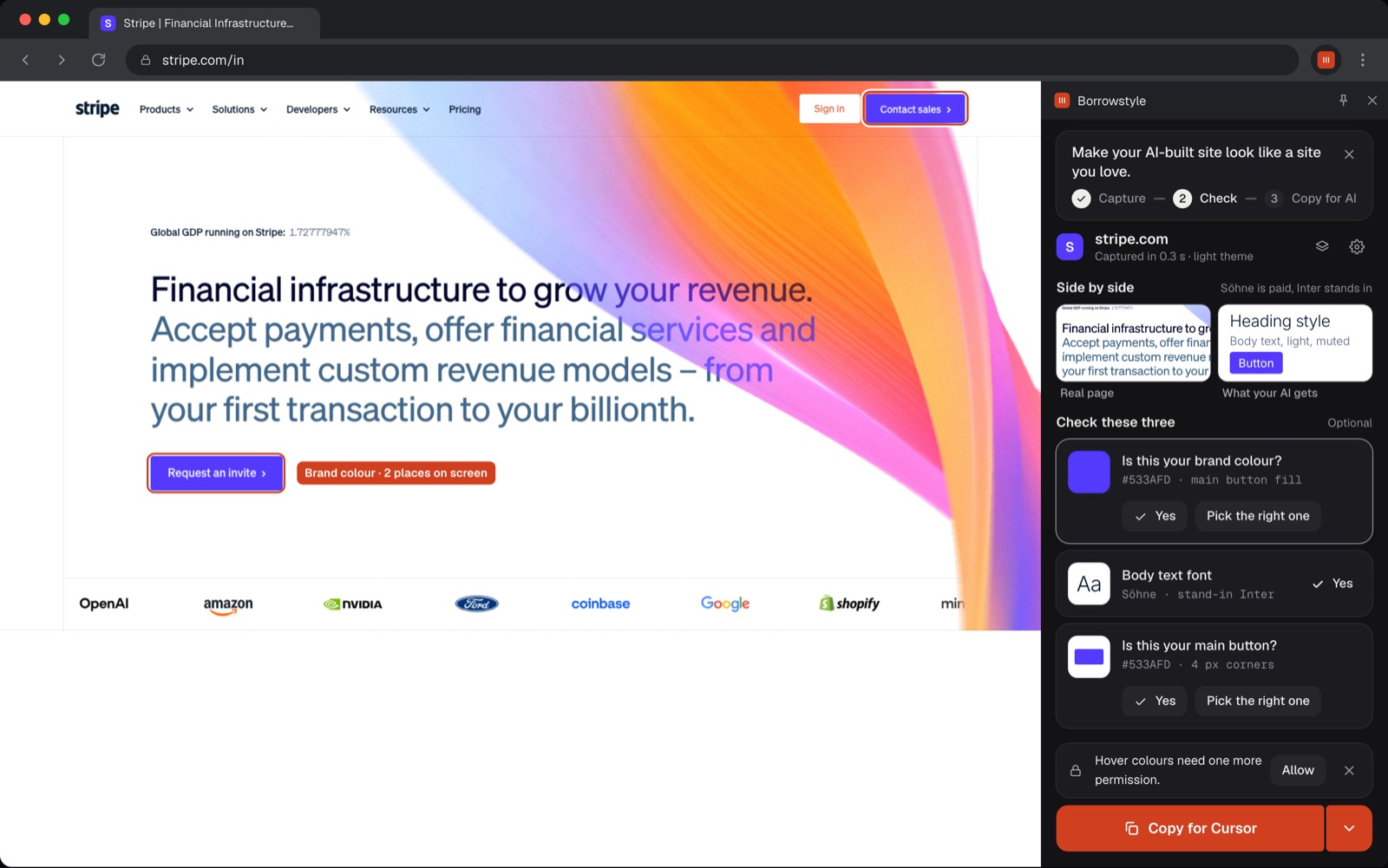
Reads what the browser draws
Colours with their jobs, the fonts actually rendered, type sizes, spacing, corners, shadows and real button hover states. Light and dark themes too.
# DESIGN.md
colors:
  primary:   #533AFD
  text:      #0A2540
  surface:   #F6F9FC
type:
  body:      Inter 16/24
  heading:   Inter 600
radius:      4px
button:
  hover:     #4032C8
A file your AI follows
A DESIGN.md and tokens.css made for the tool you build with. Paste it once and every screen after that stays on-brand.
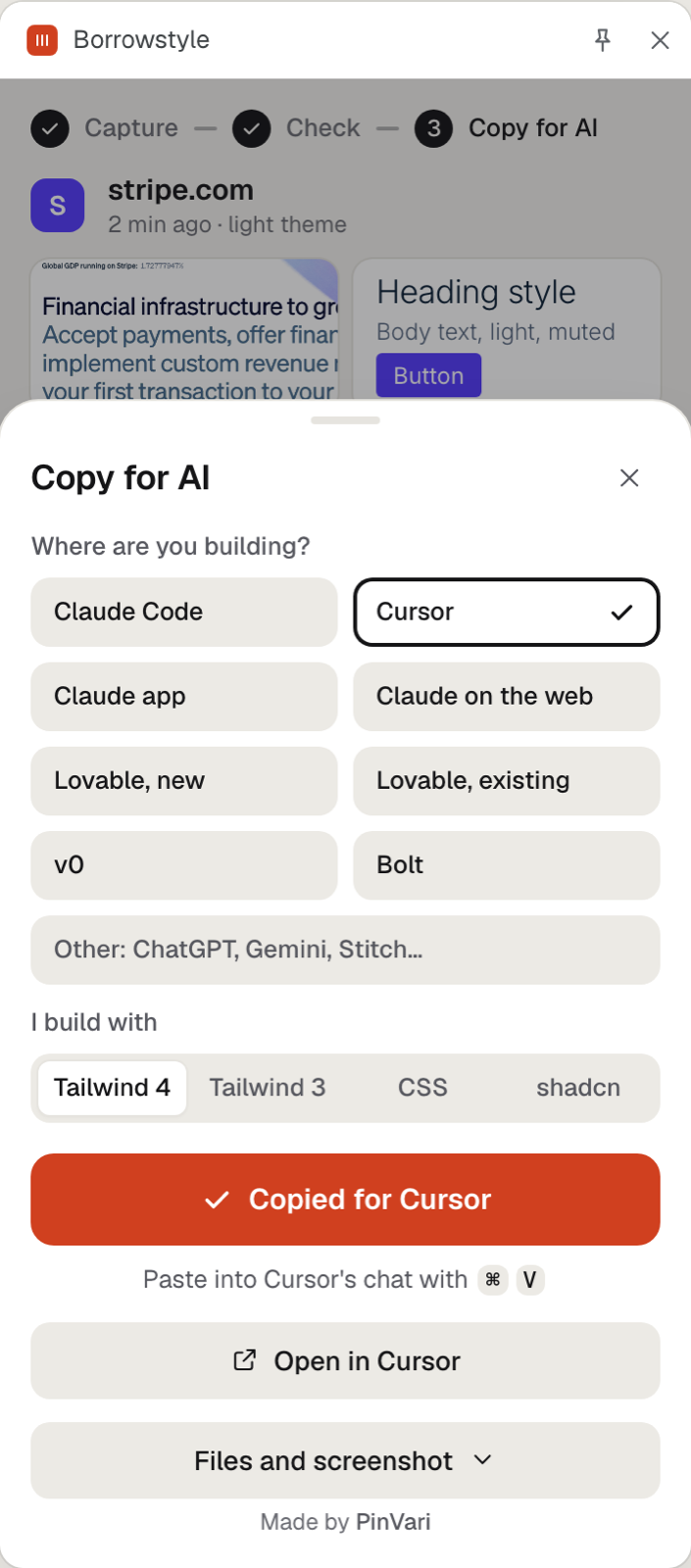
Capture. Open a site you like and click the Borrowstyle icon. It reads the design in under a second.
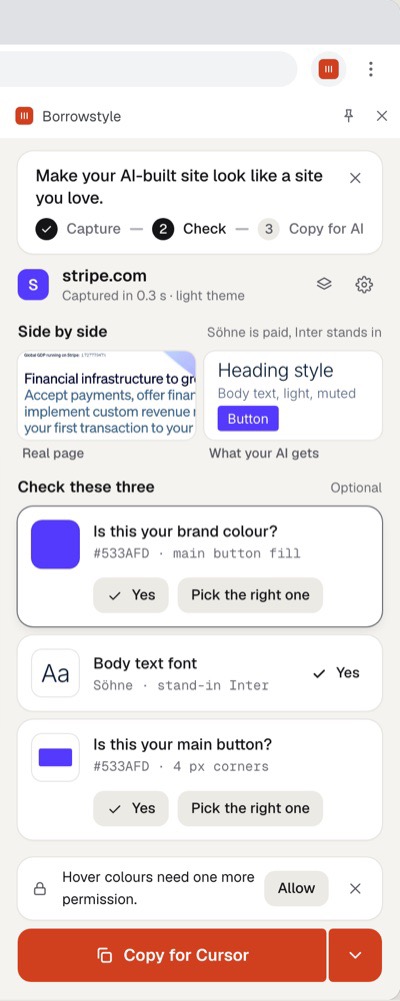
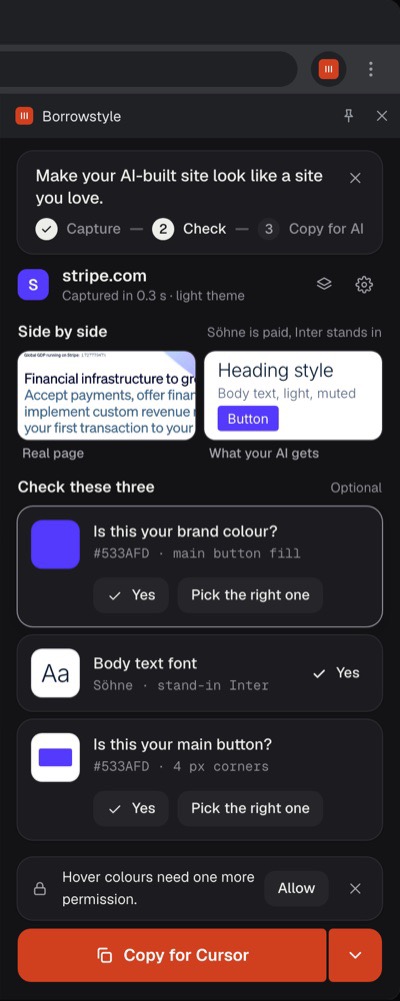
Check. Confirm three answers: brand colour, body font, main button. Wrong one? Click the right one on the page.
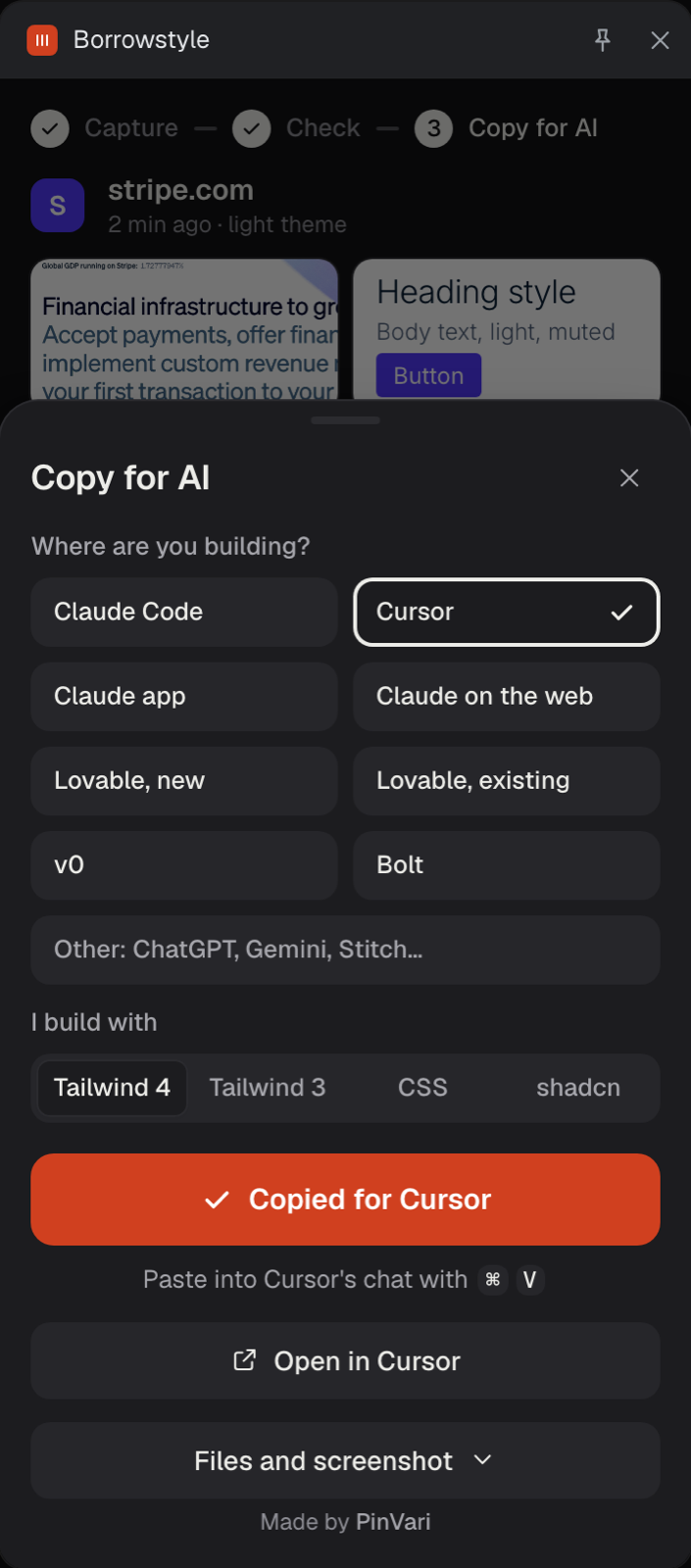
Copy for AI. Choose Claude Code, Cursor, Lovable, v0 or Bolt and paste. Your AI now has the design.
Hand your AI a design system instead of a vibe. No more "make it look more like Stripe" prompts.
Get early accessPrivate by design
Runs only when you click, on the tab you're looking at. Nothing is sent to us. No account, no analytics.
Built to be right
Checked against real websites before it reaches you: fonts, button states and colours measured, not guessed.
Be first to try it
Free to use. We'll email you once, when it's on the store.